
Setup & user guides
Quick start guides, feature walkthroughs, and troubleshooting for every phone in our lineup.
Phone guides
Setup, features, and fixes for each phone, with a printable PDF.
Desk phones
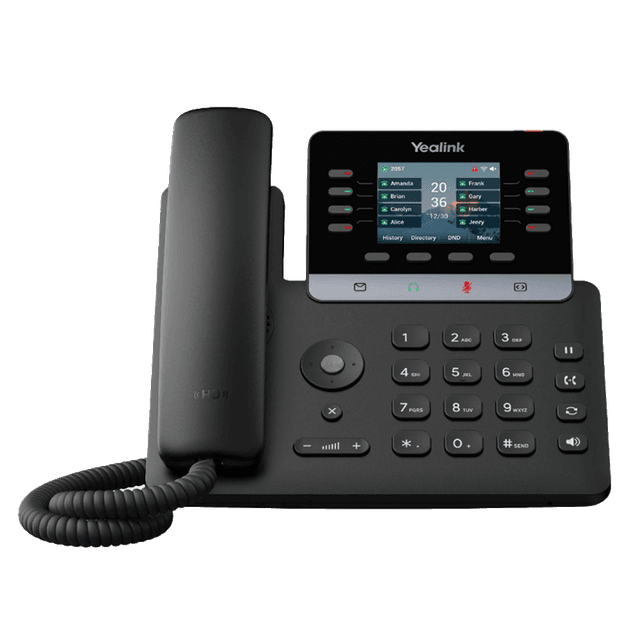
Yealink T73W
Best for basic users
- 2.8" color screen
- WiFi 6 + Bluetooth 5.0
- Side-car expandable
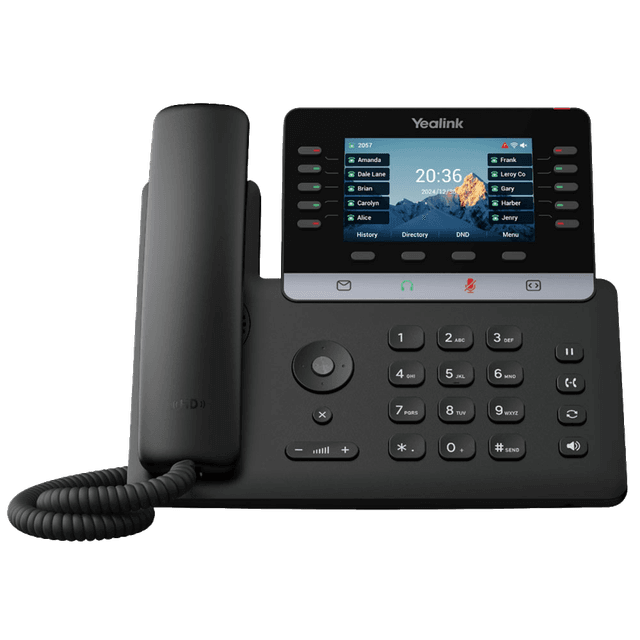
Yealink T74W
Best for managers and busier users
- 4.3" color screen
- WiFi 6 + Bluetooth 5.0
- Side-car expandable
- Programmable DSS key
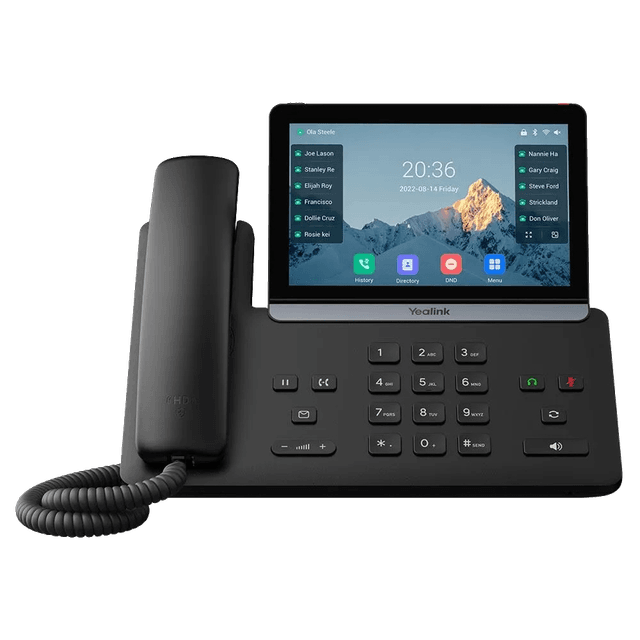
Yealink T87W
Best for executives and secretaries
- 7" color touchscreen
- Dual USB (A&C)
- 10 way audio conferencing
Cordless phones
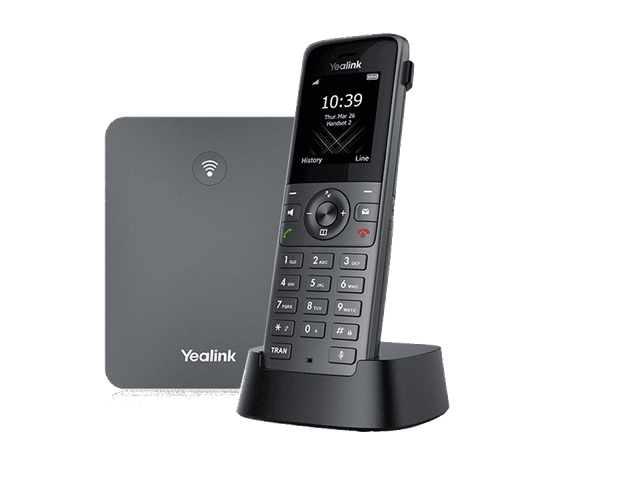
Yealink W73P Bundle
Best for office users/retail shops
- 1.8" color screen
- Noise cancellation
- 35 hour talk time
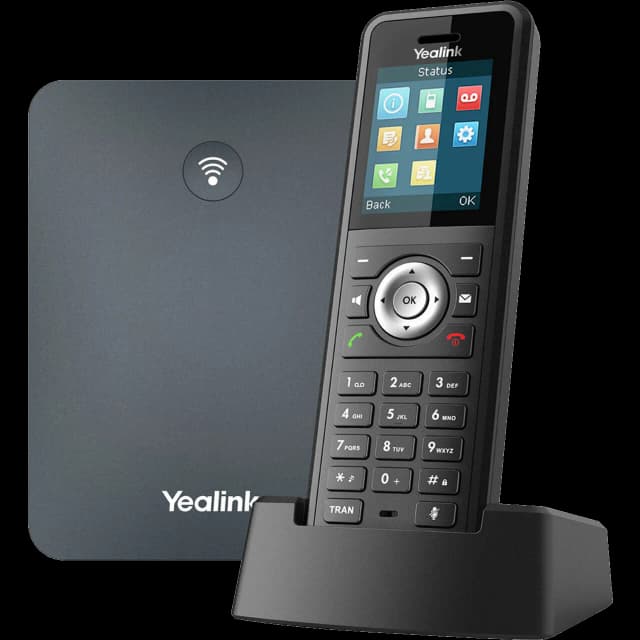
Yealink W79P Bundle
Best for industrial/warehouse spaces
- Rugged IP67 rating
- Waterproof & dustproof
- Built in Bluetooth
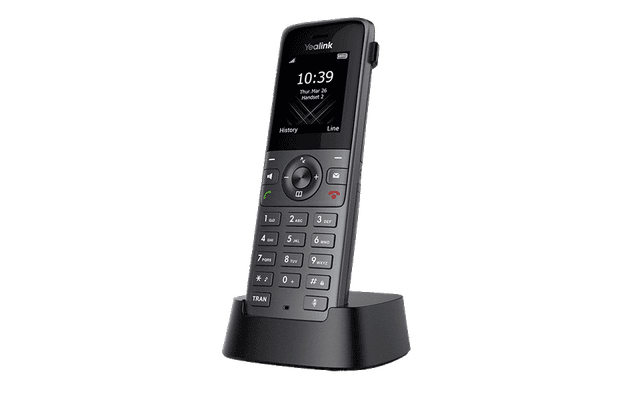
Yealink W73H
Best for office users/retail shops
- 1.8" color screen
- Noise cancellation
- 35 hour talk time
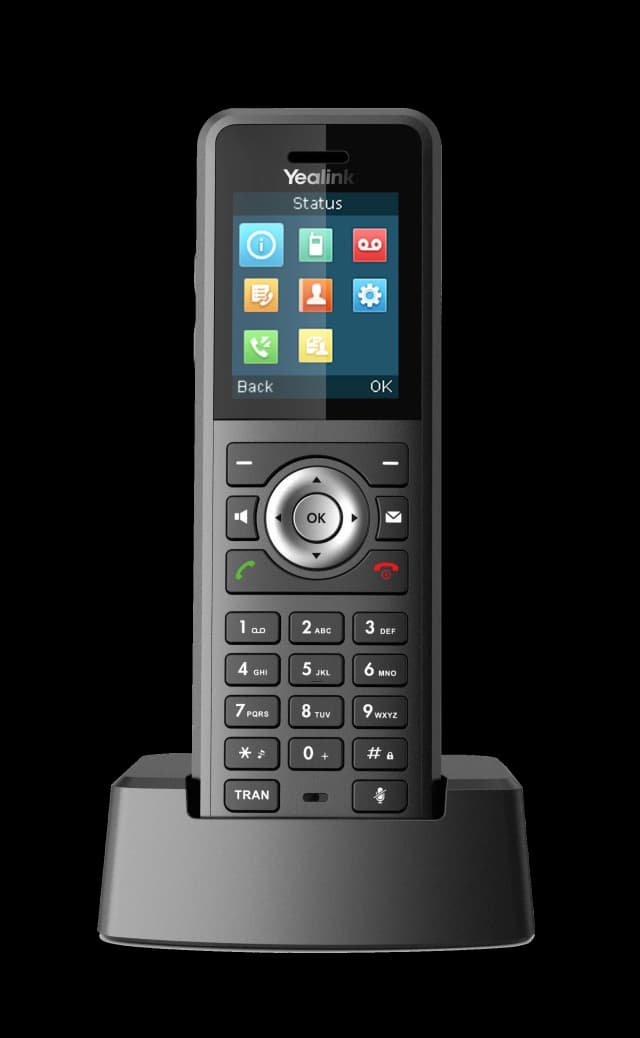
Yealink W59R Pro
Best for industrial/warehouse spaces
- Rugged IP67 rating
- Waterproof & dustproof
- Built in Bluetooth
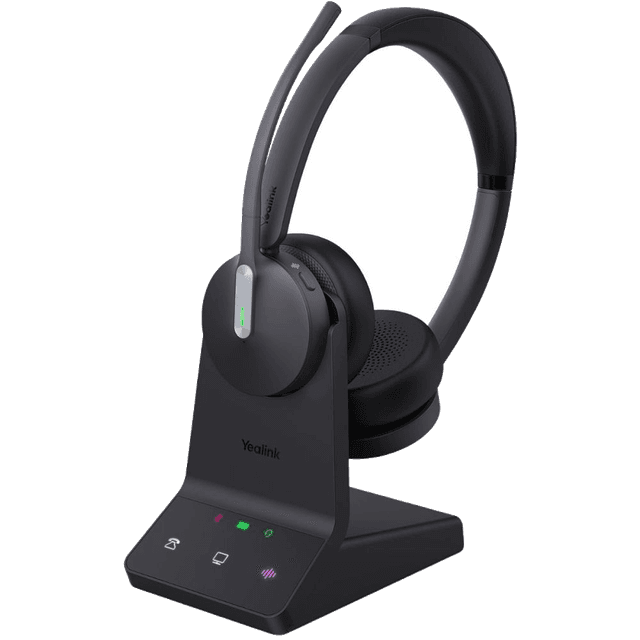
Headsets

Conference phones
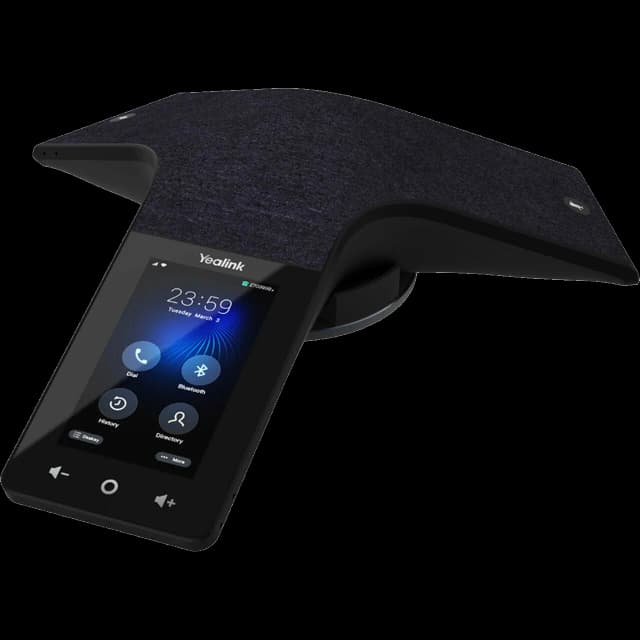
Yealink CP935W Conference Phone
Best for conference rooms with 16+ seats
- 4" touch screen
- DECT/wireless, 15 hr talk time
- Full duplex, noise filtering
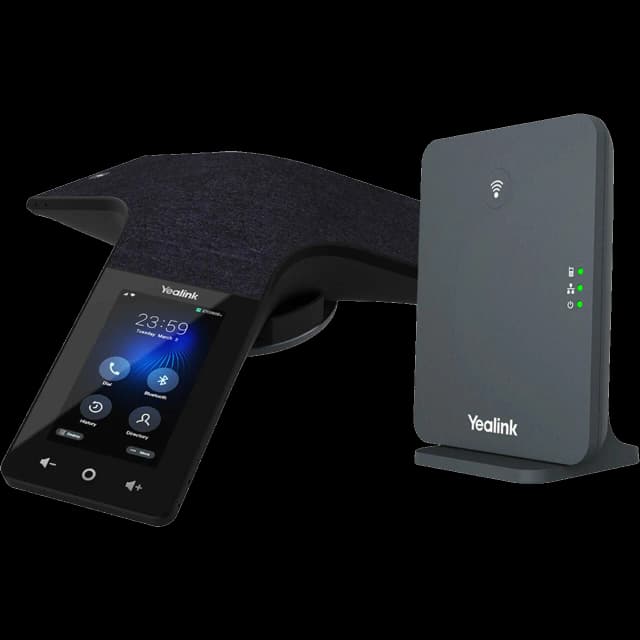
Yealink CP935W Conference Bundle
Best for conference rooms with 16+ seats
- 4" touch screen
- DECT/wireless, 15 hr talk time
- Full duplex, noise filtering
- Includes DECT base station
App guides
The WebPhone in your browser and SNAP Mobile on your phone.
How to use WebPhone
Make and receive calls from your browser using the WebPhone softphone.
View guideInstall WebPhone as a desktop app (PWA)
Add the WebPhone to your desktop for quick access without opening a browser.
View guideOptimize Chrome for WebPhone
Settings to improve WebPhone performance in Google Chrome.
View guideClear your browser cache
Fix stale logins and loading issues in the WebPhone and voice portal by clearing your browser cache.
View guideHow to use SNAP Mobile
Mobile Office app setup — make business calls from your personal phone.
View guideOptimize SNAP Mobile on Samsung
Battery and notification settings for SNAP on Samsung Galaxy devices.
View guideSubmit SNAP Mobile logs
How to send diagnostic logs to SimpleFiber when troubleshooting the mobile app.
View guide
Feature guides
Calling features, hold messages, schedules, eFax, and call center reports.
Desk phone features user guide
Voicemail, transfers, call forwarding, park, and conferencing for SimpleFiber desk phones (T73W and other T-series).
View guideCordless phone features user guide
Voicemail, transfers, call forwarding, park, and more for SimpleFiber cordless phones (W73P and other W-series handsets).
View guideMusic & messages on hold
Add comfort messages and music that callers hear while on hold or waiting in a queue.
View guideTime frames & scheduling
Set business hours, holidays, and after-hours time frames that drive your call routing.
View guideHow to use eFax
Send and receive faxes through email with your VoIP line.
View guideCall center reports guide
Understanding call center analytics, queue reports, and agent performance.
View guide
Need help setting up your phones?
Our support team configures and provisions every phone before it reaches your desk. If something isn't working right, we'll fix it.